
WebP to SVG
Trace WebP stickers, icons and web graphics into editable SVG — lossy or lossless, transparent or not.
WebP is built for delivery, not editing
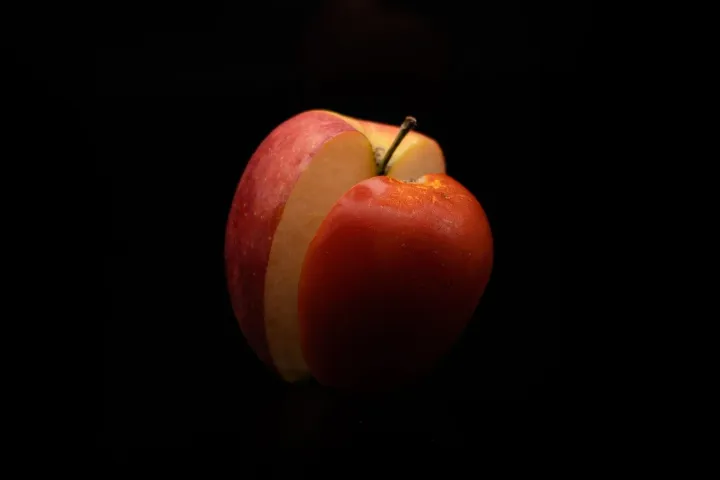
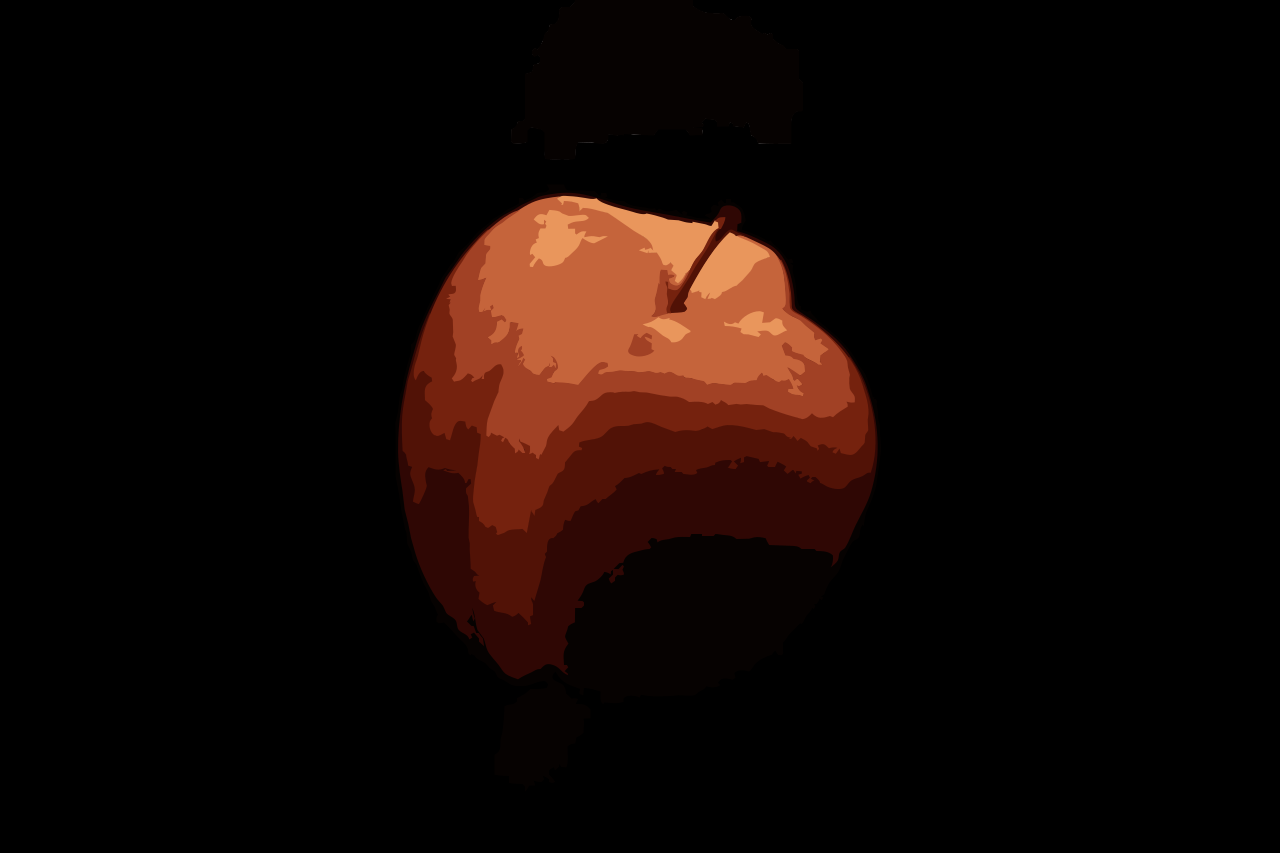
Most images you save from a modern website arrive as WebP. It is an excellent format for getting pixels onto a screen quickly, and a poor one for doing anything afterwards: few design tools edit it, and enlarging it blurs it like any other bitmap. Tracing turns it into something you can work with.
The browser you are using already decodes WebP, so the image is read by the same code that displays it. Nothing extra is installed and nothing is sent anywhere; the tracer works on the decoded pixels in this tab.
Stickers and emoji-style art
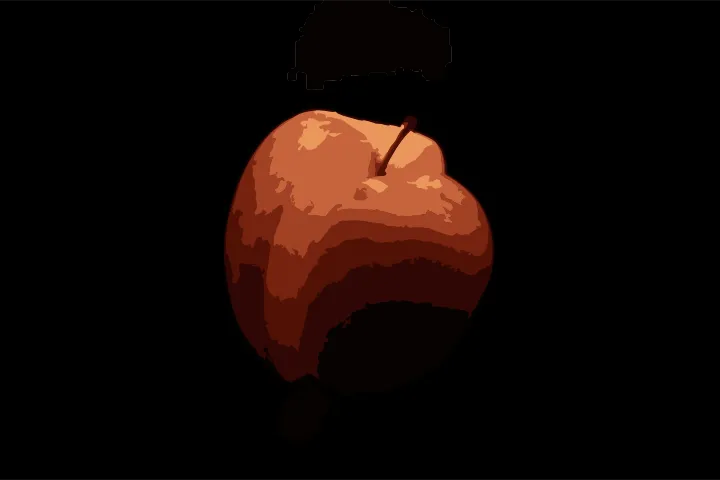
WebP stickers are usually bold, outlined, cut-out graphics on a transparent background — close to ideal tracing material. Choose the Sticker preset if the artwork sits on a background you want gone, or Illustration if it has soft shading you want to keep as bands of colour. For an outline-only version, the Edit step can turn fills into strokes.
Use the right image, and the right licence
A graphic you found on a website still belongs to whoever made it. Converting it to SVG does not change that. Trace your own artwork, images you have a licence for, or work that is clearly offered for reuse.
More format converters
WebP questions
Does it handle animated WebP?
Your browser decodes the first frame, and that frame is traced. To vectorize another frame, export it as a still image first.
Lossy or lossless — does it matter?
Lossless WebP traces as cleanly as a PNG. Lossy WebP has its own compression artefacts, softer than JPEG's; the WebP preset turns on a light clean-up pass to deal with them.
Why convert WebP to SVG at all?
WebP is a delivery format for photos and graphics on websites. If you need to resize, recolour, print or cut a graphic you found as WebP, you need it as vectors.
Is transparency kept?
Yes. WebP supports an alpha channel and the tracer treats it as it does for PNG: see-through areas stay see-through, and soft, semi-transparent edges become clean edges.