
AVIF to SVG
AVIF is the newest web image format: small files, sharp detail, transparency. Drop one here and get an SVG made of real shapes you can scale, recolour and edit — after a quick check that this browser can read AVIF at all.
Where AVIF files come from
Many websites and content systems now serve images as AVIF because it is smaller than JPG and WebP at the same quality. That is why a logo or illustration saved from the web may arrive as .avif. The format is still raster — a grid of pixels — so enlarging it blurs, and design tools cannot edit its shapes.
What the tracer does with it
Your browser decodes the AVIF into pixels on this device; the tracer then measures it — colour count, edges, smoothness — and picks logo, illustration or photo settings. You see the vector at once and can change the colour count, detail and corner style before downloading.
When it will not open
Older Safari (before 16.4) and some embedded browsers cannot decode AVIF, and the drop area then does not list it. Rather than guess from the browser's name, the page decodes a 315-byte AVIF sample and reports what happened.
Related converters
AVIF to SVG questions
Will AVIF open in my browser?
Current Chrome, Edge, Firefox and Safari (16.4 and later) decode AVIF. The page tests your browser with a tiny AVIF when it loads and tells you the result above the drop area, instead of letting a file fail later. If yours cannot, save the image as PNG in the app that made it and drop that.
Is transparency kept?
Yes. AVIF can carry an alpha channel; see-through areas stay see-through in the SVG, and the soft edges around them become clean shape edges.
What about animated AVIF?
A vector is a still picture, so the first frame is traced. To trace a different frame, export that frame as a still image first.
AVIF photos look smooth — will the SVG keep that?
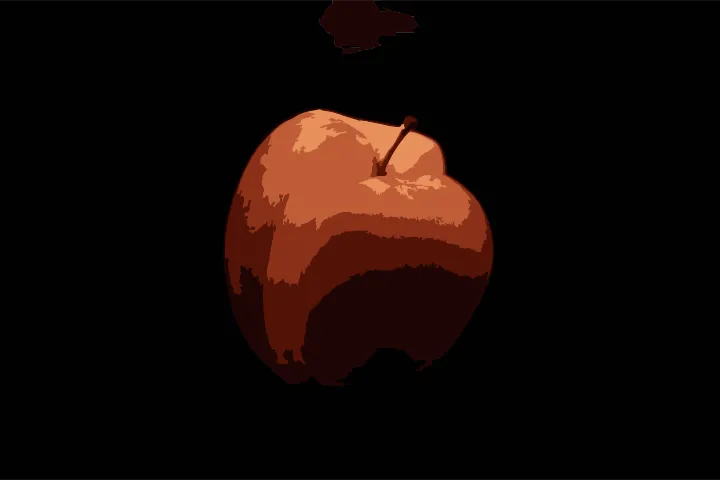
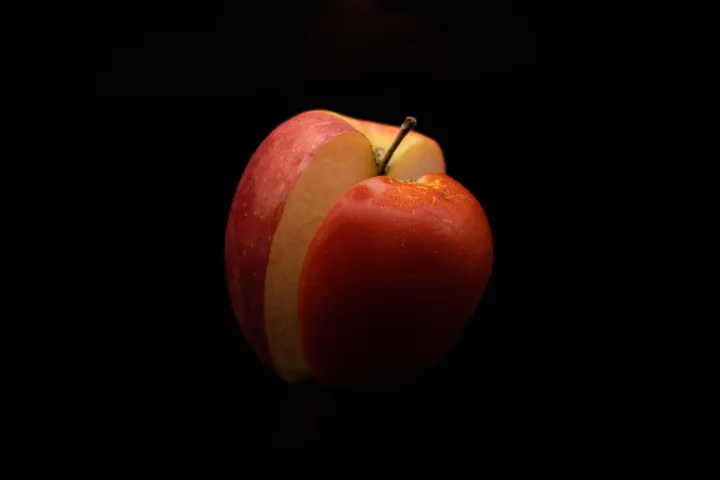
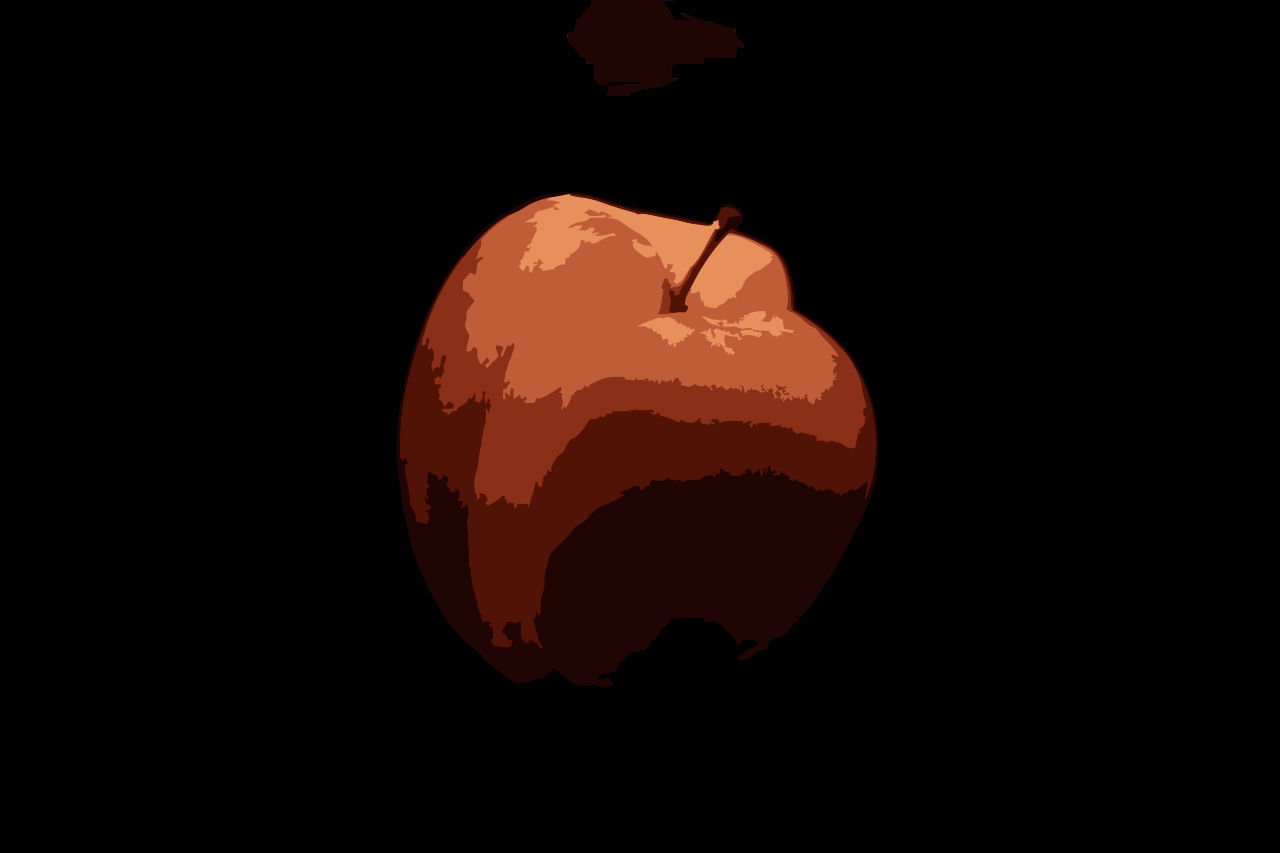
A photo becomes flat-colour poster art made of shapes, not a copy of every pixel. Choose fewer colours for a bold look or more for detail. Logos, icons and stickers saved as AVIF trace to crisp, compact SVG files.