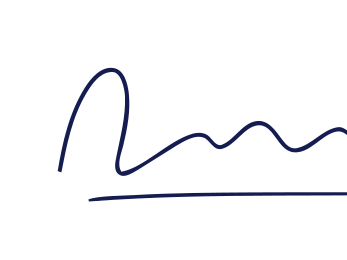
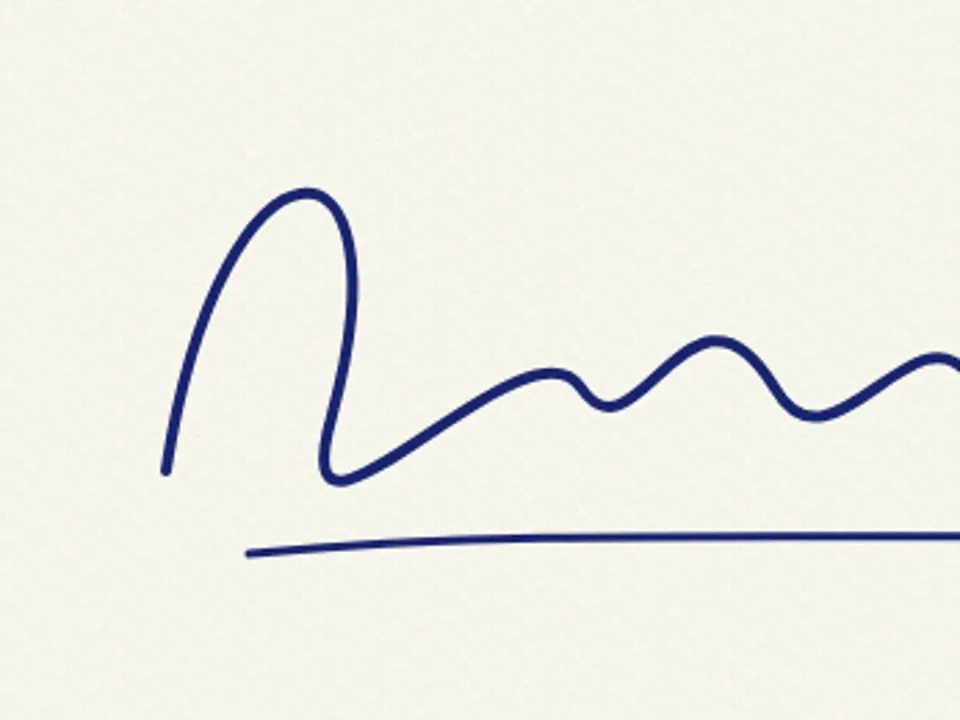
Signature to SVG
Turn a photo of your handwritten signature into a smooth, transparent vector — traced on this device, never uploaded.
Why a signature needs its own mode
A signature is fast handwriting: long, flowing strokes that thin out where the pen lifts and thicken where it slows. Trace it like a logo and the curves go lumpy; trace it like a photo and the paper grain comes along. Signature mode flattens the paper, keeps only the ink, and fits each stroke with long, smooth curves so the result looks written rather than drawn.
The output is a single transparent shape in one colour, usually only a few kilobytes. It sits cleanly on top of a letterhead, an email footer or a PDF, at any size.
The privacy part, plainly
Your signature is sensitive. The image is decoded, cleaned and traced in this browser tab; it is not uploaded, and nothing about it is recorded in analytics. When you close the tab it is gone, unless you chose to save the project in this browser.
Using it
- Documents: place the PNG export (with transparency) or the SVG in your word processor.
- Email: a small PNG at 2× size displays crisply in most mail clients.
- Branding: a founder's signature as a logo element should be SVG, so it scales for print.
Other handwriting and ink tools
Signature questions
Is it safe to put my signature into an online tool?
This tool traces on your device, so the photo of your signature is not uploaded to any server. Still, treat the resulting file like the signature itself: keep it somewhere private.
How should I photograph it?
Sign with a dark felt-tip or gel pen on plain white paper, larger than usual, and photograph straight on in good light. Fill most of the frame with the signature.
Can I make it blue instead of black?
Yes. The signature exports as one colour; change it in the Palette step to any ink colour.
Is a vector signature legally valid?
That depends on where you are and what you are signing. A traced image of your signature is just an image; many agreements require a dedicated electronic signature process instead.