Portrait to vector
Make a clean vector portrait, avatar or poster from a photo of a person — background removed on your device, style chosen by you.
Faces punish noise
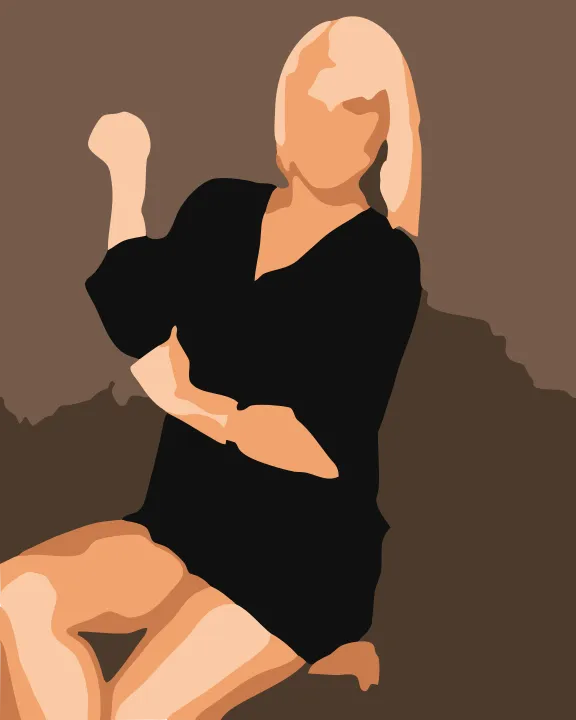
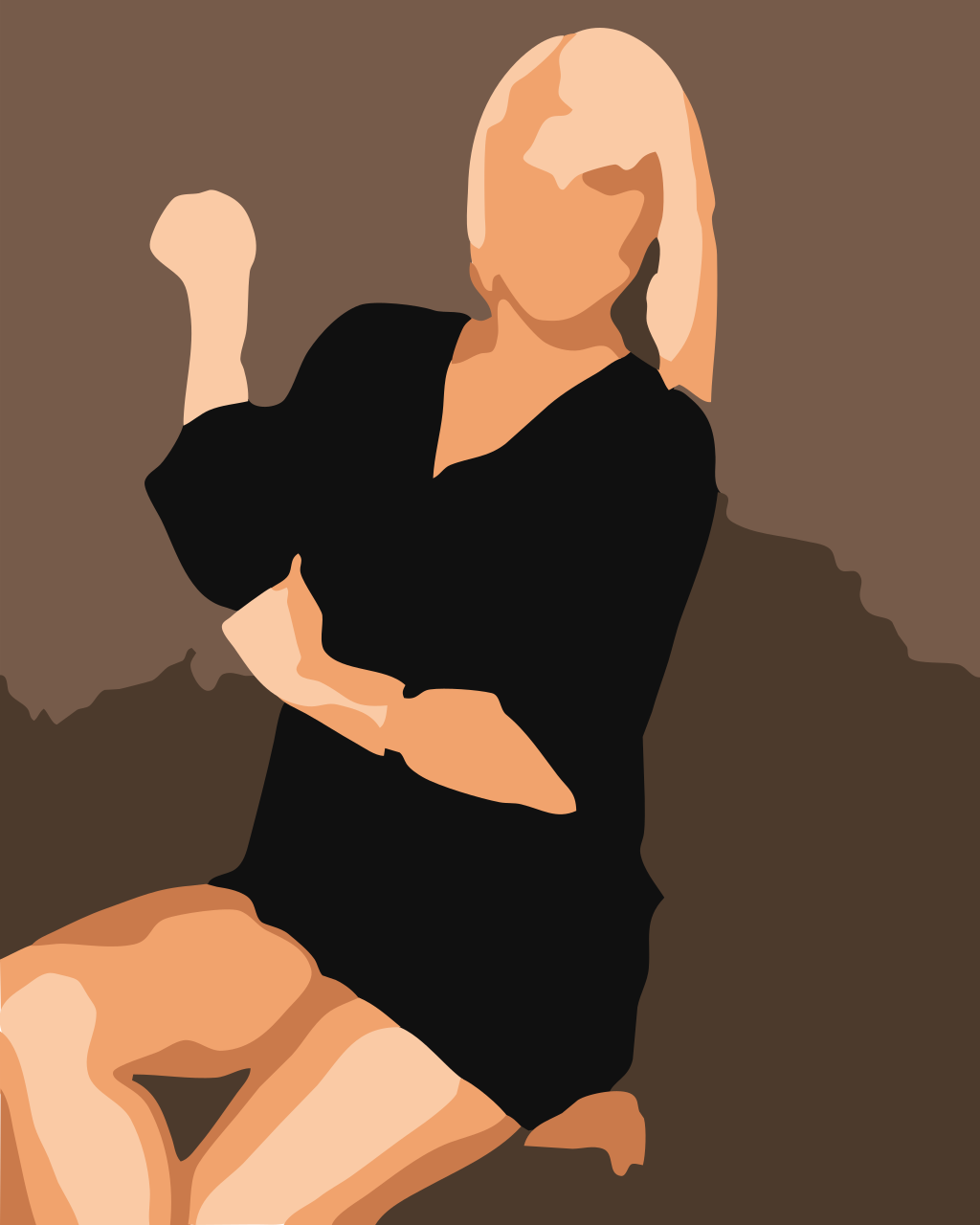
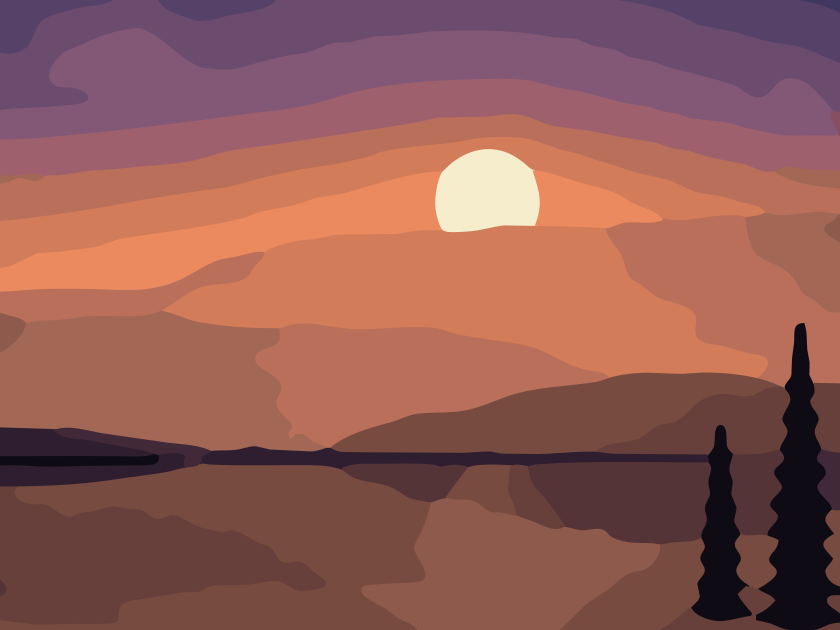
A landscape traced with a few stray blobs still reads as a landscape. A face with a blob under one eye reads as a bruise. Portrait mode is therefore stricter than the general photo mode: it uses fewer colours, larger minimum regions and a stronger smoothing pass, so cheeks and foreheads come out as calm, continuous shapes while eyes, brows and lips keep their edges.
Removing the background first
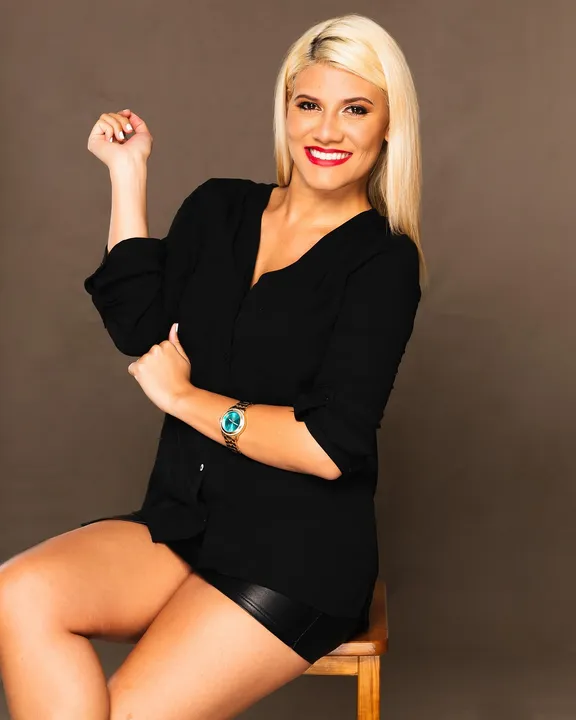
Choose Subject only in the Background step and the portrait model (about 25 MB) downloads once, after you confirm. It runs here, on your device, using your graphics processor when available. You can refine the mask with a brush, then trace only the person — the background never becomes paths you have to delete.
Three portrait looks
- Poster
- Five to twelve strong colours, saturation lifted slightly. Bold, graphic, great on merchandise.
- Flat
- Four to ten soft colours with large shapes. Reads like an editorial illustration.
- Duotone
- Two colours split at the image's natural light–dark threshold. Perfect for one-colour printing.
Keep going
Portrait questions
Does the tool recognise faces?
No. Nothing here identifies anyone. An optional person-segmentation model separates a person from the background, and the portrait preset uses fewer, smoother regions on skin. That is all.
What photo works best?
Even, soft light, a plain background, and a face at least 600 pixels tall. Hard shadows become hard shapes, which can look great in poster style but busy in flat style.
Can I make a single-colour portrait for a stencil or print?
Yes. Choose Duotone in the Vectorize step and pick your two colours, or use the Stencil maker for cut-ready output with bridges.
May I vectorize a photo of someone else?
Use photos you took or have permission to use, and respect the person in them — especially before printing or publishing the result.