
PNG to SVG
Turn a PNG into a genuine SVG made of paths you can edit — with its transparent areas left transparent.
A PNG is a grid; an SVG is a drawing
A PNG stores the colour of every pixel. Scale it up and you scale up the pixels. An SVG stores instructions — “move here, curve to there, fill with this colour” — which a screen or printer redraws sharply at any size. Converting between them means working out the shapes the pixels were trying to show.
Many converters skip that work and save the PNG inside an SVG wrapper. The file ends in .svg, but nothing inside it can be recoloured, cut or scaled cleanly. Every file exported here is checked for embedded images before download, and the check is not optional.
Where PNG transparency goes
PNG is the one common format that carries an alpha channel, so it is the best source for stickers, icons and logos already cut out. The tracer reads that channel directly: fully transparent pixels are never painted, and anti-aliased edges are placed at half coverage. If your PNG has a stray, nearly invisible halo — a classic leftover from a background remover — the clean-up step trims it before tracing.
Getting the colours right
Leave colours on Auto and the tool counts how many distinct flat colours the image really has. If a colour you need has been merged, raise the count or add it as a locked swatch; if two near-identical greys have been kept apart, merge them in the Palette step with one click. Every change re-traces immediately.
- Flat icon or logo: Auto, Detail around 50.
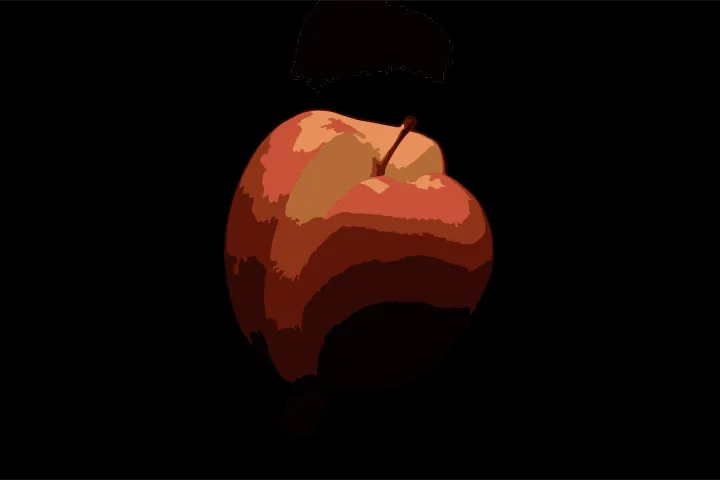
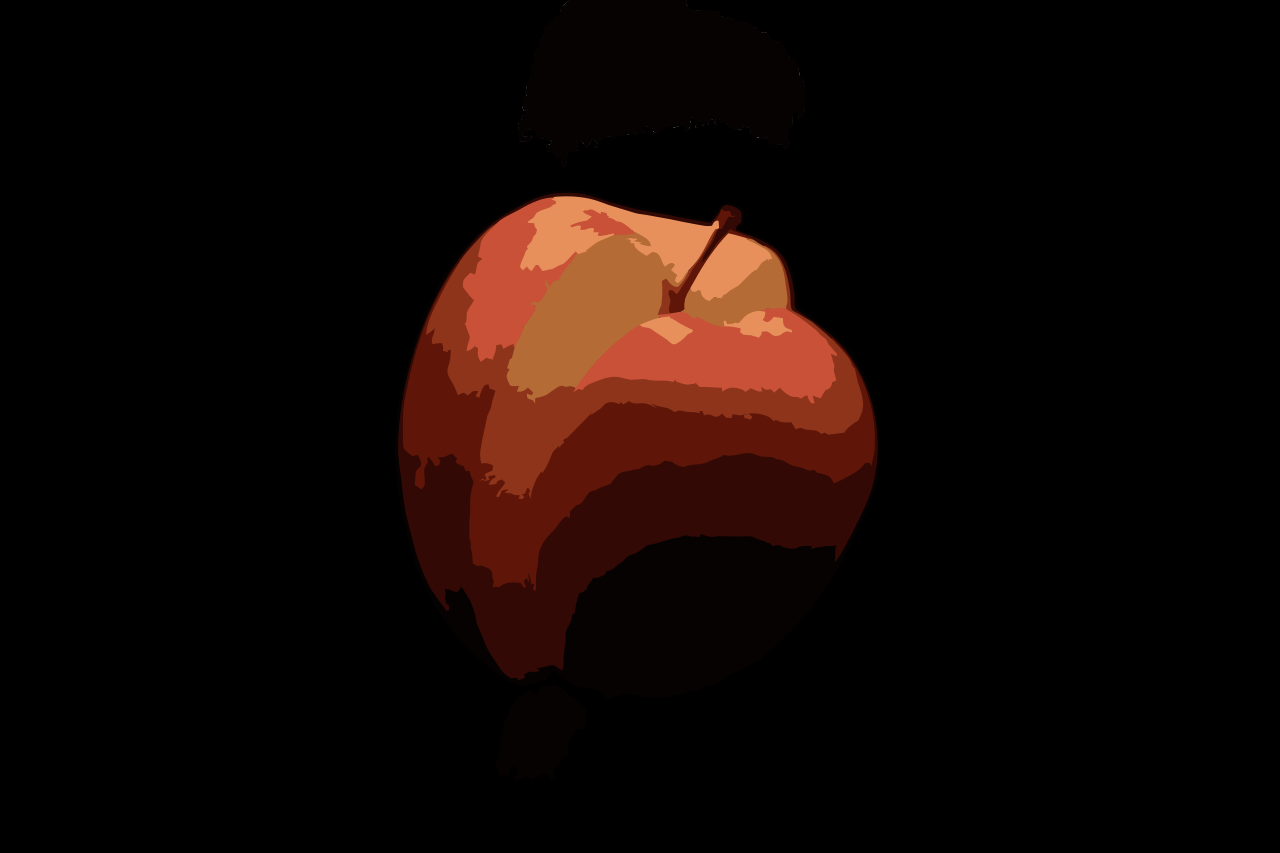
- Illustration with shading: 12–24 colours, layered mode, so shapes stack without gaps.
- Pixel art: switch to the Pixel art mode to keep every square edge exact.
Other formats and jobs
Questions about converting PNG files
Is this a real conversion or does it just embed my PNG?
A real conversion. The output contains only <path> elements with fills; it never contains an <image> tag. You can open the file in a text editor and see the curves.
What happens to the transparent parts of my PNG?
They stay empty. No background shape is added, and semi-transparent edges are traced at the point where the shape is half covered, which is where your eye puts the edge.
My PNG has a drop shadow or a glow. What will happen to it?
Soft effects become one or two bands of flat colour, or disappear if they are faint. If the shadow matters, raise the colour count; if it does not, lower the Detail slider and it merges away.
How big will the SVG be?
For a flat graphic, typically a few kilobytes — often smaller than the PNG. The size is shown live in the Export step, before you download.