
Screen printing
Turn artwork into a small set of spot colours with clean, separable regions — ready to split into screens.
One colour, one screen
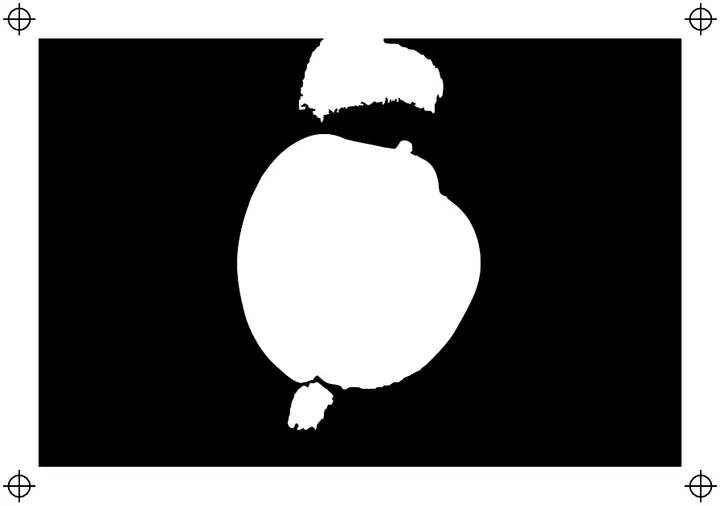
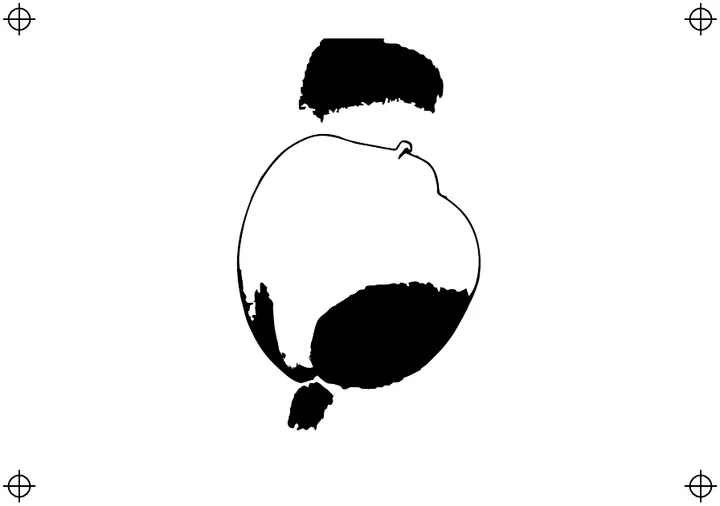
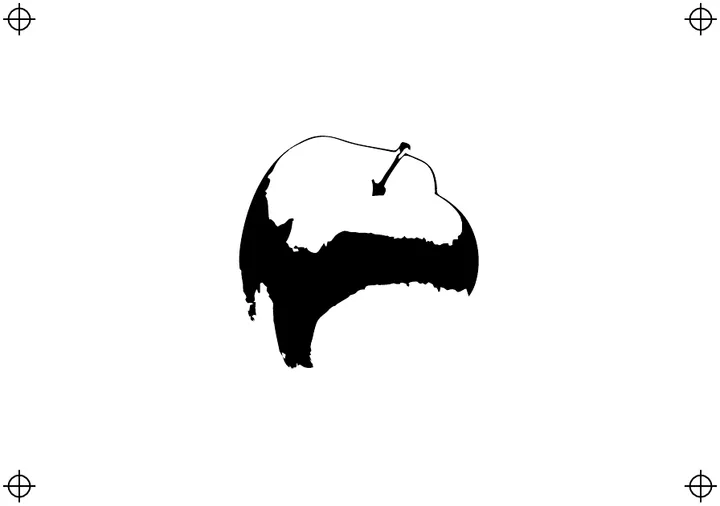
Screen printing charges by colour: each one is a separate screen to burn, register and clean. Artwork with twenty near-identical shades is not twenty colours of value; it is a costly job. The screen printing preset reduces artwork to a handful of strong, distinct colours with crisp boundaries between them.
The export groups shapes by colour, so each group becomes a separation in your RIP or design software. Hide a colour in the Palette step to preview the print without it.
From photo to print
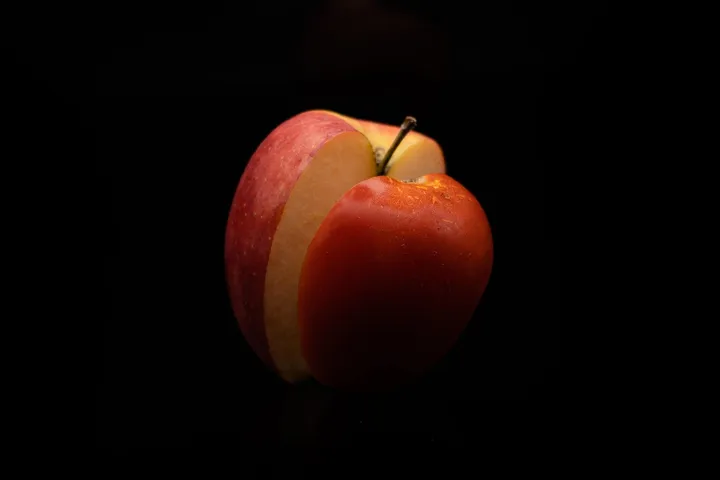
A photograph can become a three- or four-colour print with the Poster or Duotone styles. Choose colours that suit the garment — a dark shirt usually wants a light underbase colour as one of them. Use Compare three versions to choose a level of detail your mesh can actually hold.
Fine detail and mesh
Very thin lines and tiny dots can fill in or wash out on press. Raise the minimum region size and use Speckle removal to clear anything below what your mesh and emulsion hold reliably.
Related print tools
Screen printing questions
How many colours should I use?
As few as the design allows — every colour is another screen. Start with the preset's four, then add or merge in the Palette step and watch the preview.
Does it make halftones?
No. The output is solid spot colour regions. Halftones are a raster technique; do them in your separation software if you need them.
Can I match my ink colours?
Yes. Type each ink's hex value as a locked colour. Every re-trace respects locked colours exactly.
What about trapping?
The preset uses cut-out regions that meet exactly. If your press needs trap, switch layering to Stacked — lower colours then extend under their neighbours by a pixel or two.