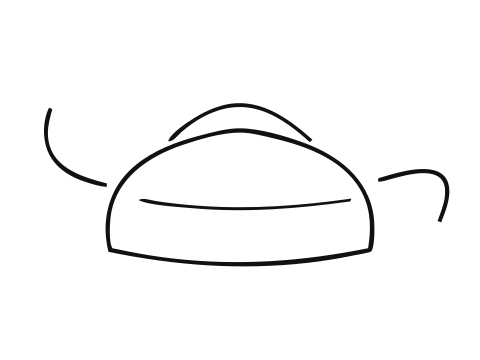
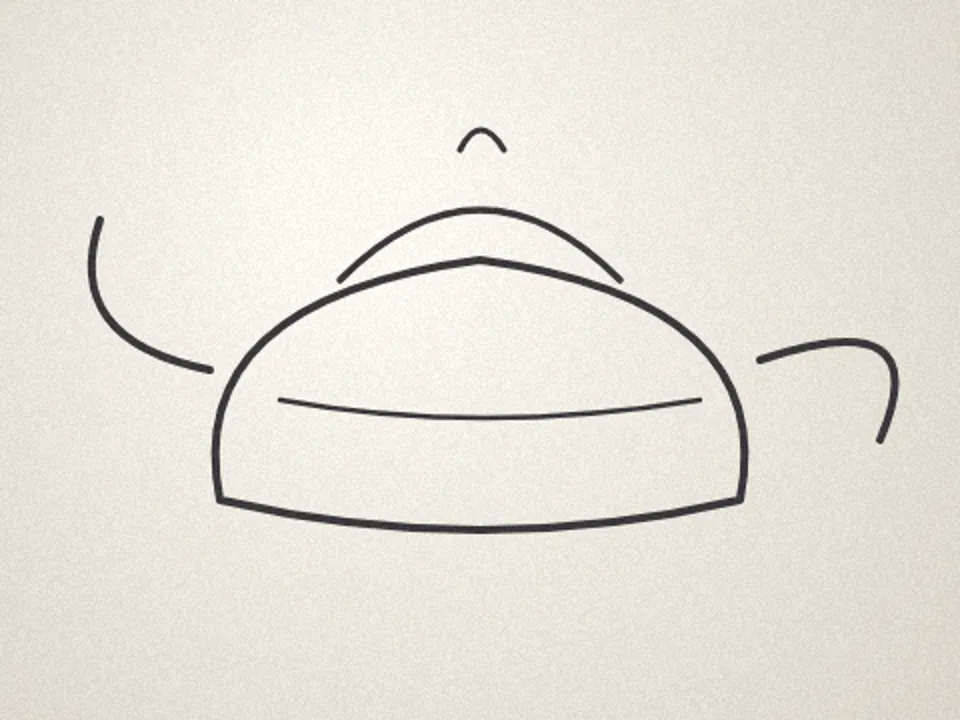
Photo to line art
Trace the edges of a photograph into a clean line drawing made of vector strokes — for colouring pages, tattoo outlines, engraving and illustration.
How the line drawing is made
- The photo is smoothed so skin, fabric and sky texture do not become lines.
- Edges are found where brightness changes sharply, at two scales, so fine detail survives only where there is real structure.
- Short fragments are dropped and the remaining edges are linked into long lines.
- Each line is fitted with smooth curves and written as a stroke — no shapes, no fills.
Choosing a style
- Clean — fewer, longer lines. Good for colouring pages and simple illustrations.
- Sketchy — many short strokes that feel hand-drawn.
- Contour only — the outline and the strongest inner edges, for tattoo stencils and minimal art.
Getting a cleaner drawing
Busy backgrounds produce busy lines. Use Background → Subject only first to cut out the person or object, and the drawing keeps only its edges and silhouette. A photo with even lighting and a sharp focus gives the cleanest result; lower the edge sensitivity when there are too many lines.
Related tools
Line art questions
How do I change the line weight?
Use the Line weight slider in the Line drawing section. Auto picks a weight from the image size; any value you set is the stroke width in pixels of the finished drawing, and you can change it again after tracing without losing the lines.
Can I make a colouring page?
Yes. Choose the Clean style, lower the edge sensitivity until only the main outlines remain, then export a PNG with a solid white background, or a PDF to print.
Will the lines work on a Cricut or laser?
A plotter or a laser's score pass can follow the strokes directly. A cutting machine needs closed shapes, so press Convert strokes to filled outlines first: every line becomes a thin filled shape the blade can go round.
Is this an AI sketch filter?
No. It is a line drawing traced from your photo's edges with a classical edge detector and the same curve fitter the rest of the site uses. The same photo and settings always give the same drawing, and nothing is downloaded or uploaded.