

Image to vector, in your browser
Convert JPG, PNG, WebP, logos, sketches, drawings and photos into clean, editable SVG vector graphics — directly in your browser.
A vector you can actually use
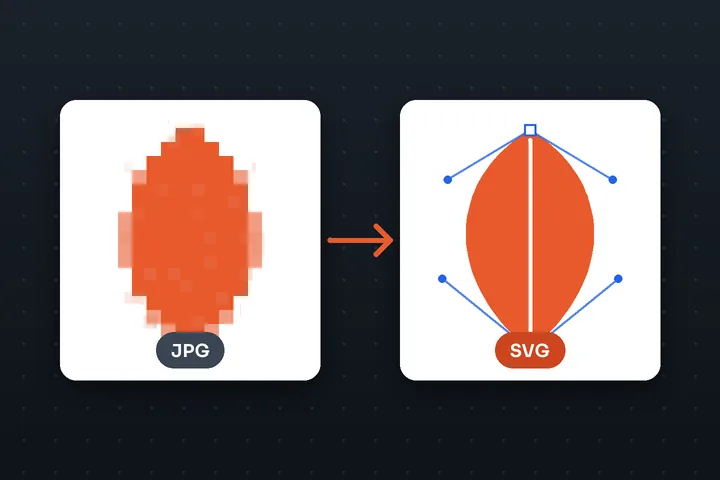
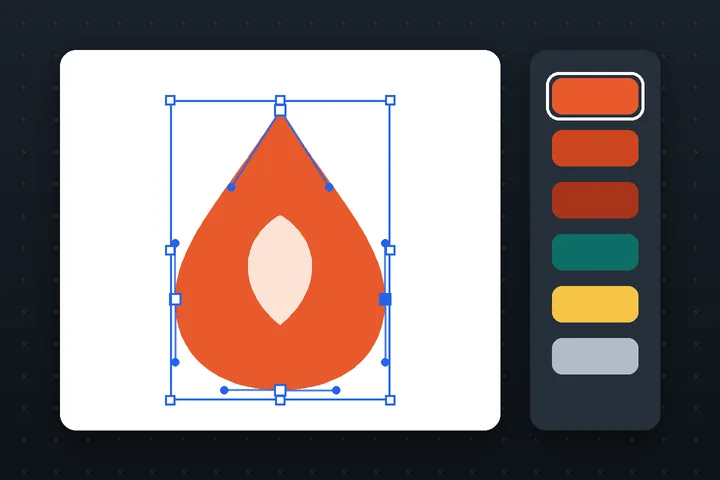
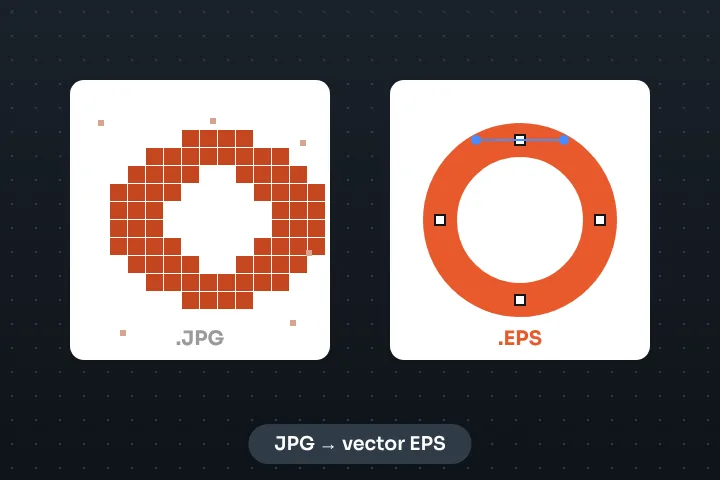
Most “JPG to SVG” converters hand back one of two things: a bitmap smuggled inside an SVG file, or a cloud of thousands of jagged fragments that no design tool wants to open. VectorizePhoto is built around the opposite goal — the fewest shapes and nodes that still look like your image, with smooth curves where the original was curved and crisp corners where it was cornered.
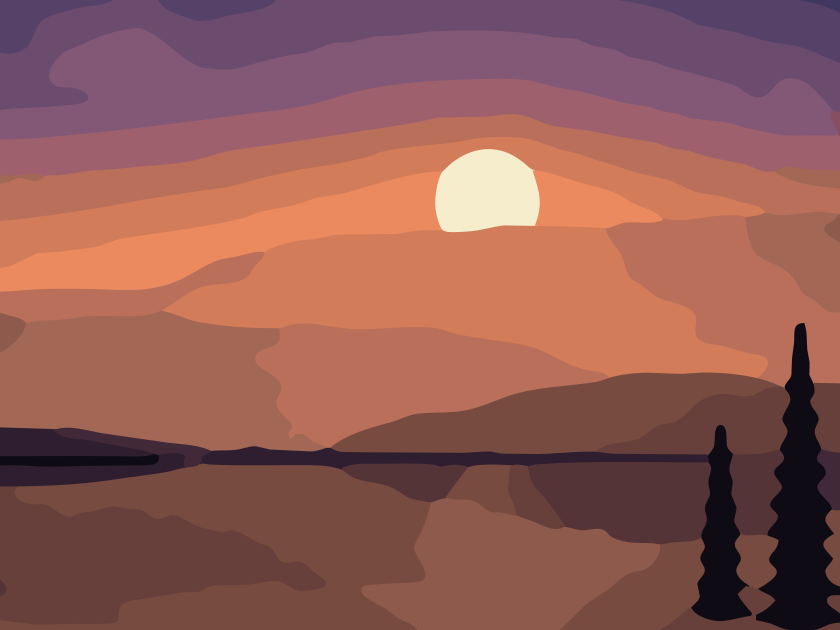
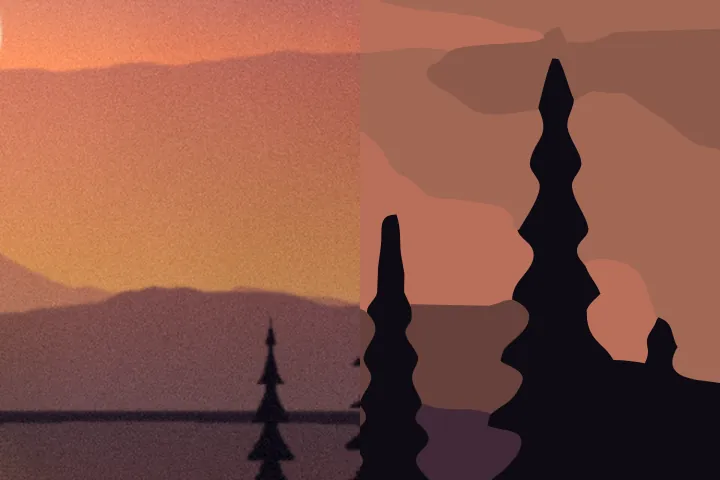
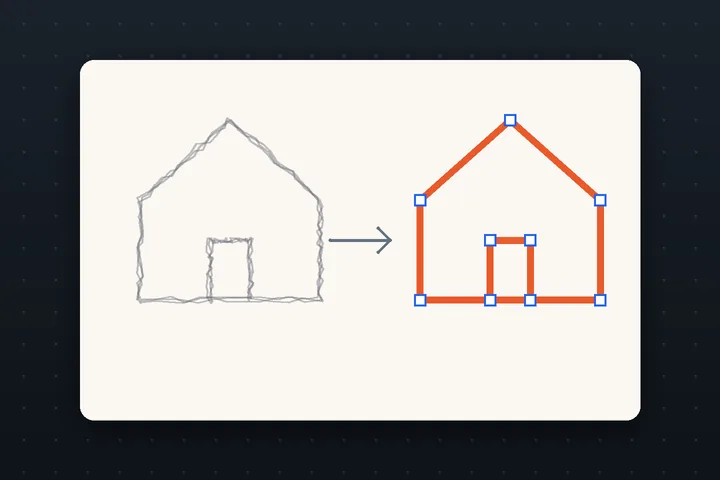
That means flat logos come back as a handful of clean paths, ink drawings as tidy strokes, and photographs as deliberate poster-style artwork rather than noise. Every number is visible — paths, nodes, colours, file size — so you can see what you are getting before you download it.
What the tracer does with your picture
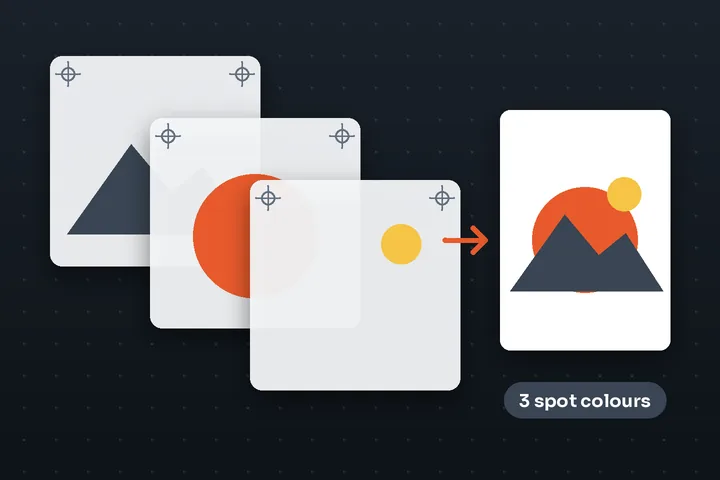
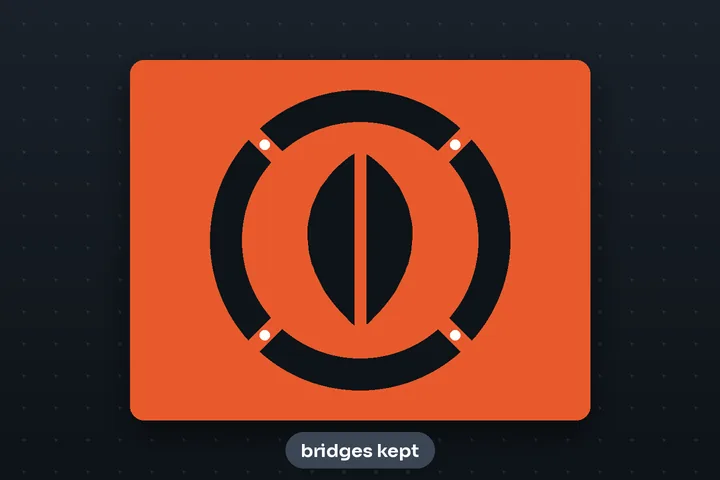
The tracer reduces the image to a palette of real colours (clustered in a perceptual colour space, so it splits where your eye sees a difference), merges specks into their neighbours instead of deleting them, follows every region boundary along the pixel edges, finds the true corners, and fits Bézier curves to everything in between. Larger shapes are painted first and allowed to tuck under their neighbours, so no hairline gaps can ever show between colours — a detail that matters the moment you zoom in.
None of that needs artificial intelligence, and none of it needs a server. AI is used only where it genuinely helps: an optional, on-device model that finds the subject of a photo so you can trace it without its background.
File formats, honestly
| You open | What to expect |
|---|---|
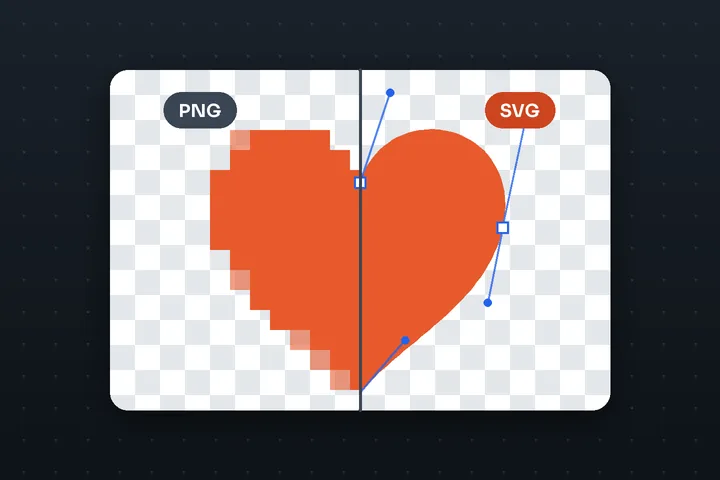
| PNG | The best input for logos and graphics. Transparency is kept: see-through areas stay see-through, and soft edges become clean edges. |
| JPG | Fine for photos. For logos, JPEG noise is cleaned up first and a white box can be removed with one click. |
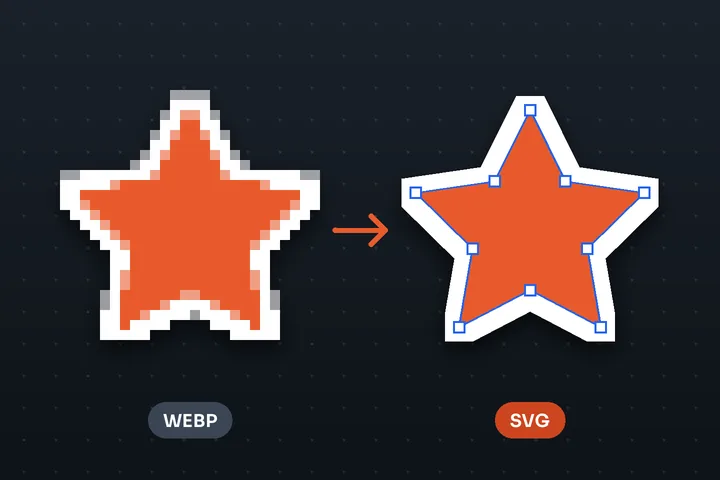
| WebP, AVIF, GIF, BMP | Opened by your browser's own decoder. AVIF needs a current browser (the drop area lists it only where it works). An animated GIF asks which frame to trace. |
| TIFF, PSD, ICO | Read by this site's own decoders, on your device: baseline TIFF (uncompressed, LZW, PackBits or Deflate), the flattened image inside a Photoshop file, and the largest size inside an icon file. |
| HEIC | Opens where the browser can decode it (Safari). Elsewhere, export the photo as JPG first. |
| SVG | Already a vector: use the SVG editor or SVG optimizer instead. |
Text in a picture is traced as shapes, so it looks right at any size but is not editable as type. Gradients become stepped bands of flat colour. Both are honest limits of tracing, not of this tool, and the preview shows you exactly what you will get.
Questions people ask before they trust a vectorizer
Is the SVG real vector artwork or a picture inside an SVG?
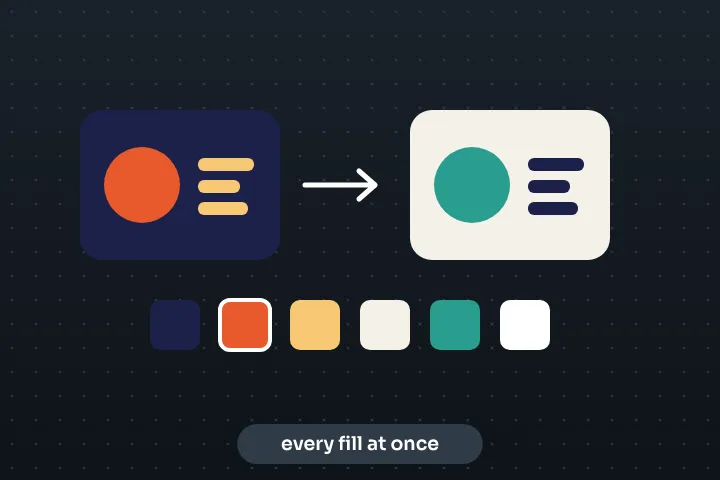
Real paths. Every shape is a <path> with Bézier curves you can select, recolour and reshape in Illustrator, Figma, Inkscape or Affinity. The export checks itself before download and will never wrap your bitmap in an <image> tag and call it a vector.
Does my image get uploaded?
No. Decoding, clean-up, tracing, editing and export all run in your browser tab. The optional background-removal models download to your browser and run there too; the image itself is never sent to a server.
Which mode should I use?
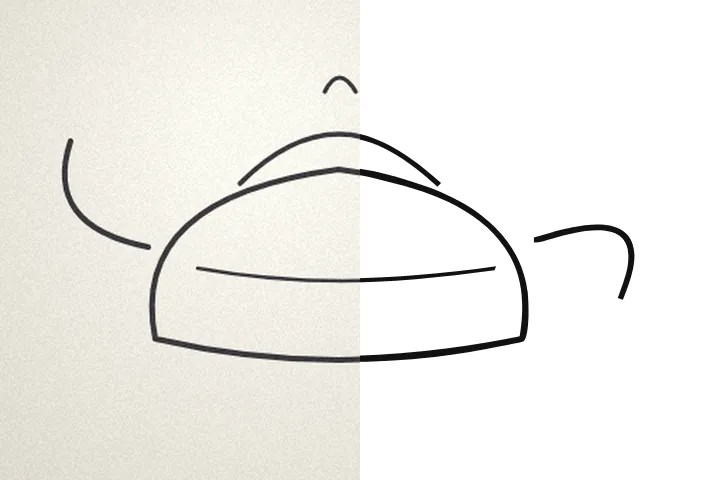
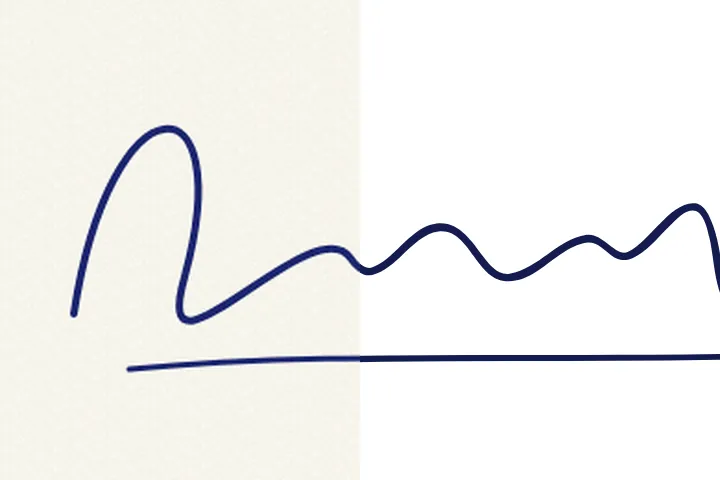
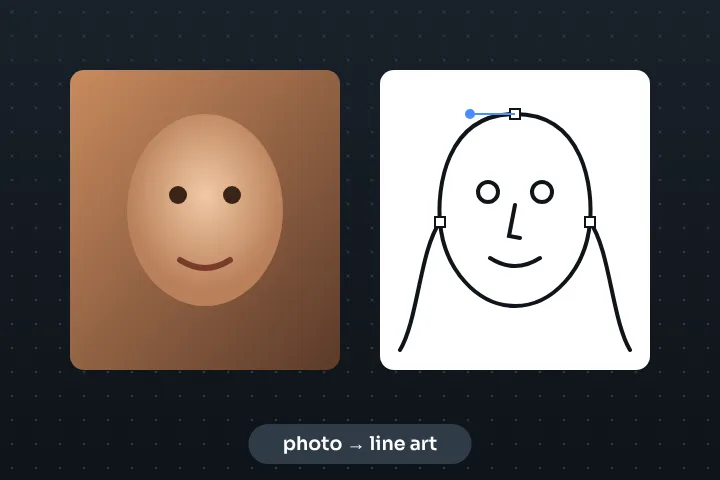
Leave it on Auto. The tool measures the picture — how many distinct colours, how sharp the edges are, whether it looks like ink on paper or a photograph — and picks Logo, Illustration, Line art, Sketch, Signature or Photo. The detected type and the reasons are shown in the Image step, and you can switch any time.
Why does my photo look like a poster?
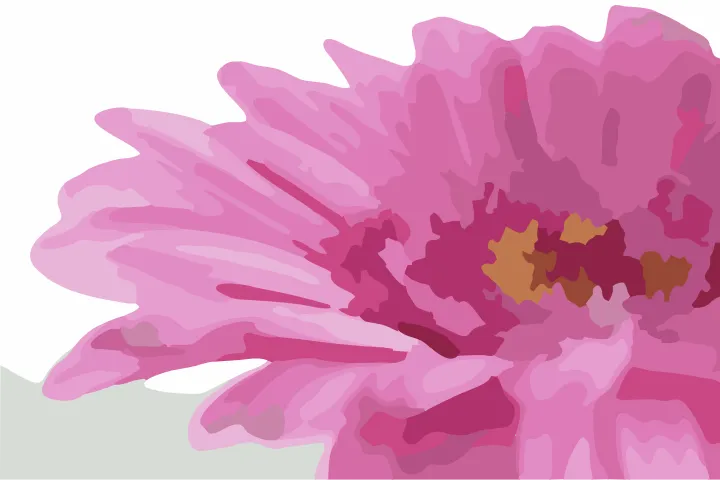
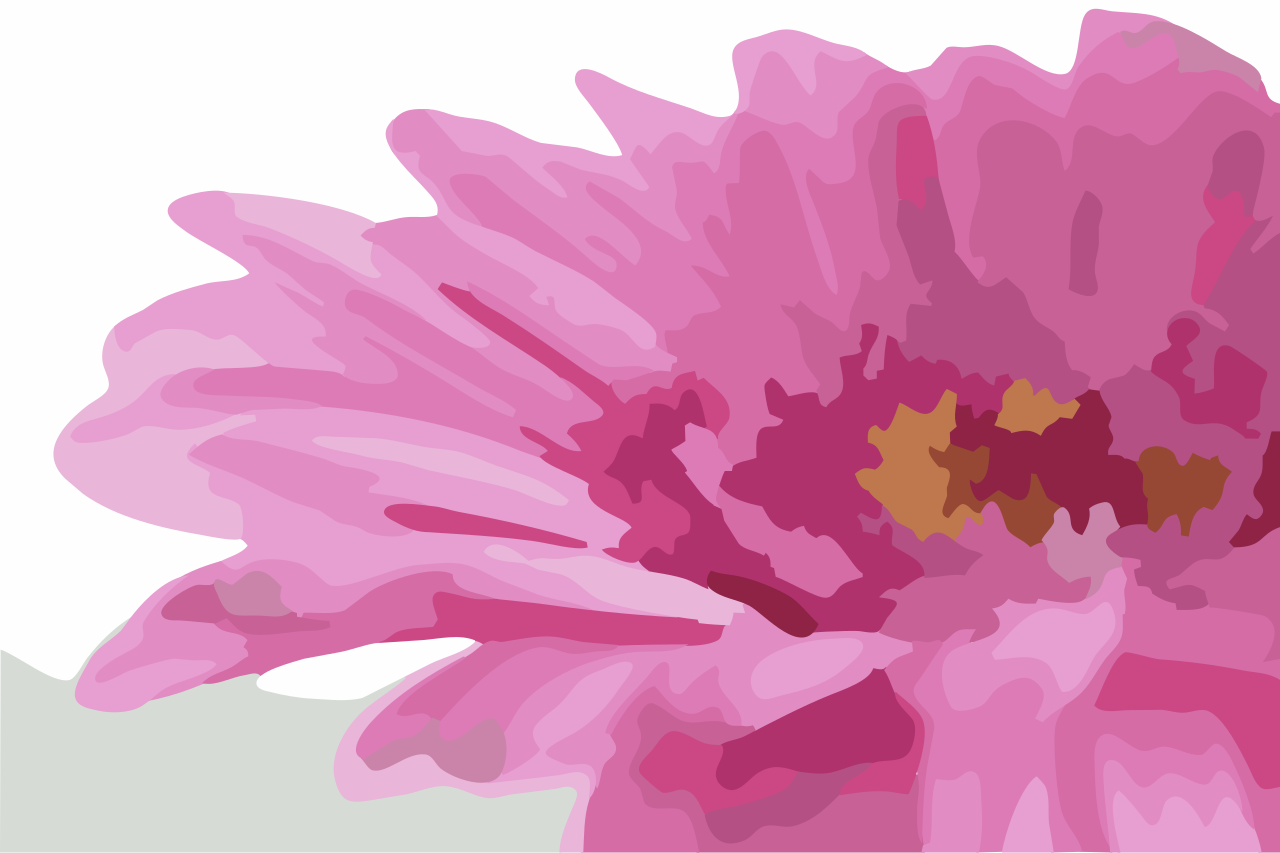
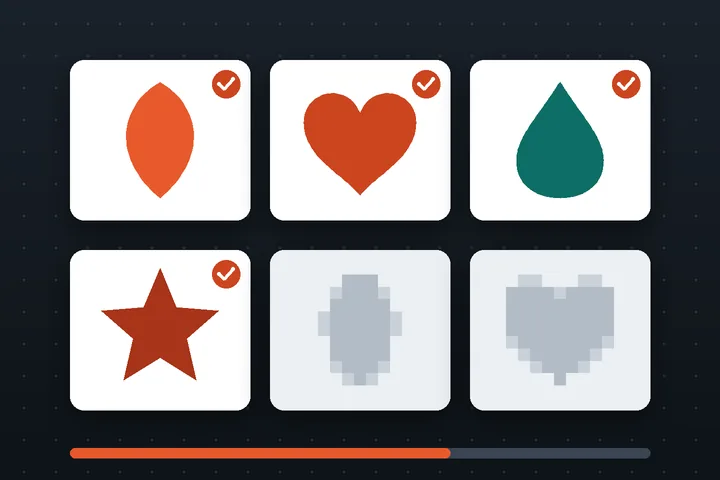
Because a vector is made of flat regions, a photograph has to be simplified to become one. Fewer colours and larger regions give cleaner, more editable artwork; more detail gets closer to the photo but produces thousands of paths. The Compare three versions button shows you the trade-off side by side.
What file formats can I export?
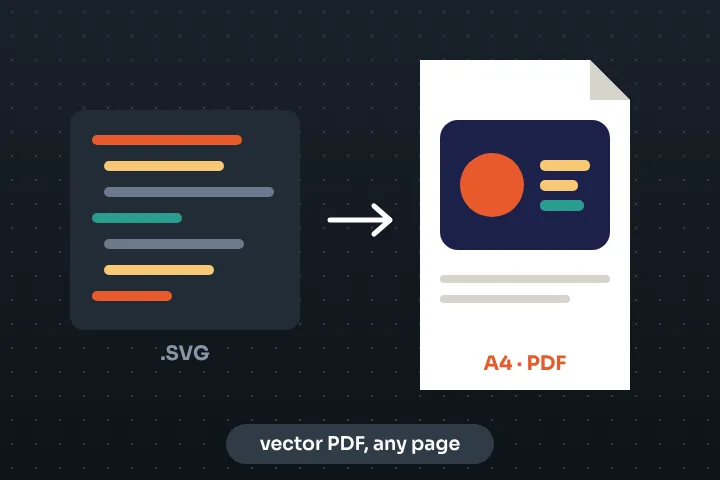
SVG (optimized, editable, minified or pretty-printed), PDF, EPS and DXF for cutting machines, plus a PNG preview at up to 8× size. Developers can copy the SVG as markup, a data URI, a CSS background or a React component.
Is it free? Is there a limit?
Yes, and there is no daily limit: the work happens on your device, so there is no server cost to ration. The practical ceiling is your browser's memory — very large images are offered a resize first.